Aktuelles

Jede Entscheidung im Commerce beginnt mit Ihren Produktdaten. Syndigo macht sie vollständig, hält sie aktuell und liefert sie überall dorthin, wo Menschen, Agents oder Algorithmen Kaufentscheidungen treffen oder mitbestimmen.
Werden Sie überall zur ersten Wahl.
Entdecken Sie die Product Experience- und Data Management-Lösungen von Syndigo.
Werden Sie auf jeder Verkaufsfläche zur ersten Wahl. Erreichen Sie mehr als 3.500 Händler mit Produktdaten, die deren Anforderungen bereits erfüllen.
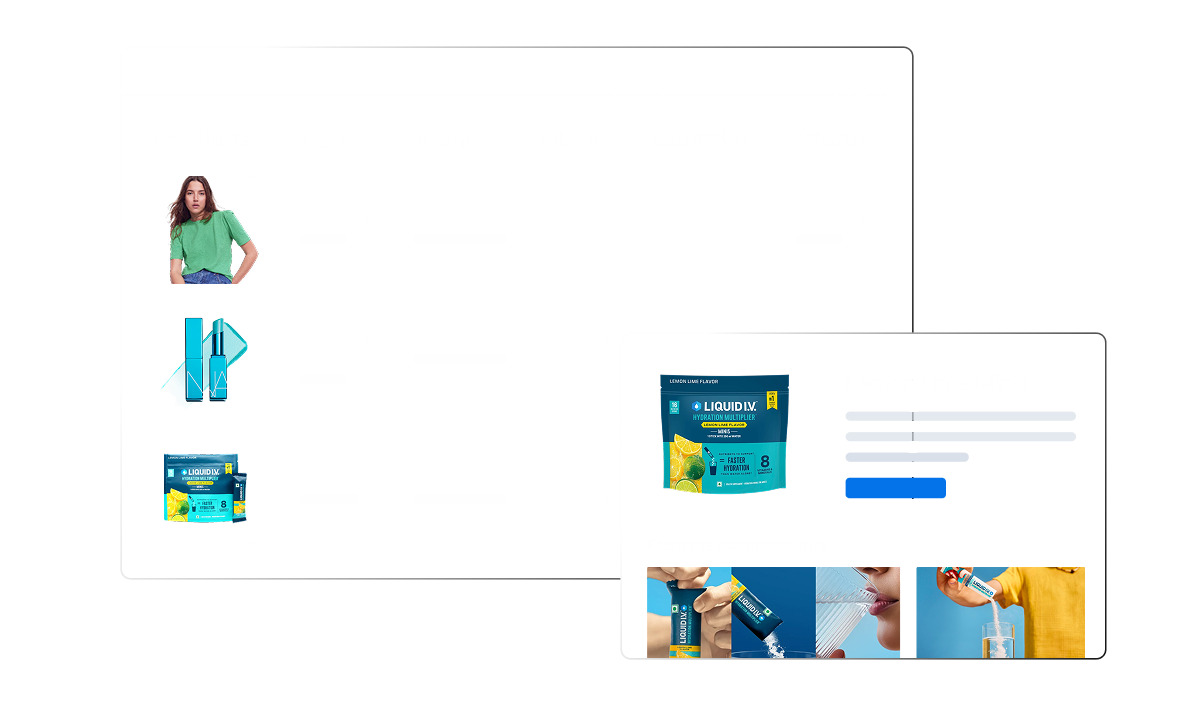
Testen Sie PX Cloud für HerstellerMachen Sie Ihre Produktdaten verkaufsstark. Vollständige, korrekte Inhalte von jeder Marke in Ihrem Sortiment – nach einem einheitlichen Standard, an einem zentralen Ort.
Testen Sie PX Cloud für HändlerSchaffen Sie eine zentrale, verlässliche Datenbasis. Für jedes Produkt, jeden Kunden, jeden Lieferanten und jeden Standort – als Grundlage für alle weiteren Systeme.
Testen Sie Syndigo MDM



















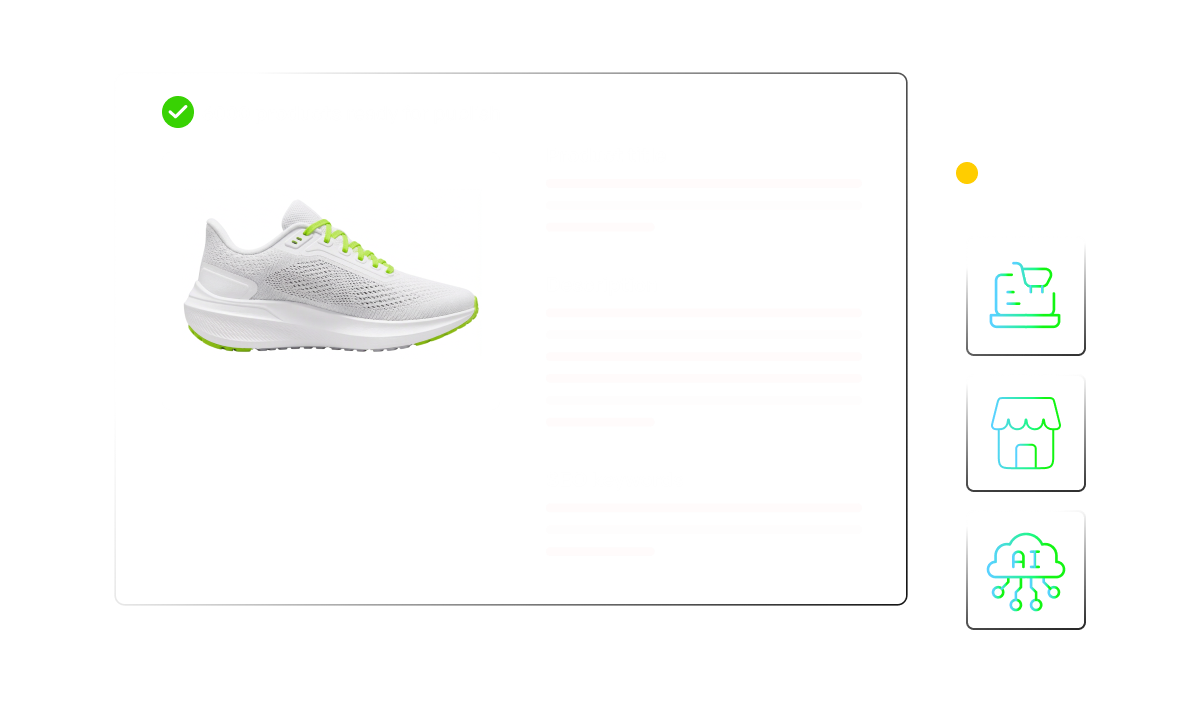

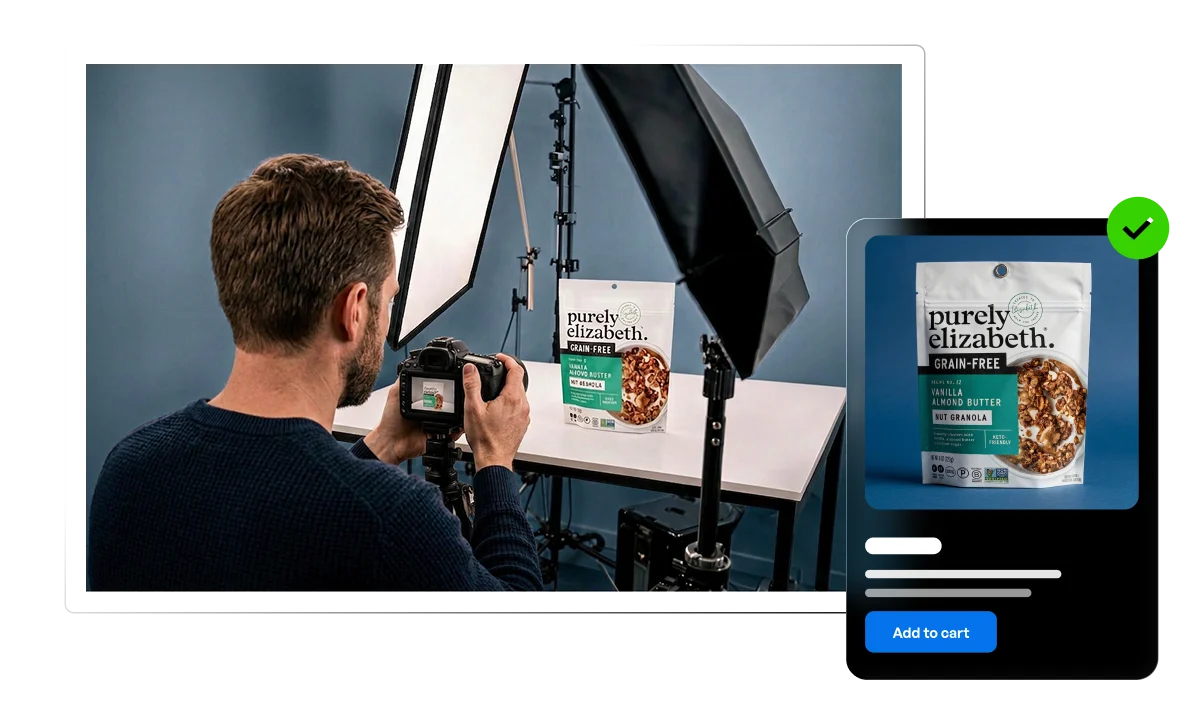

KI-gestützte Tools, mit denen Sie Produktdaten erstellen, verwalten, bereitstellen und optimieren.

Mehr als 15.000 Marken und 3.500 Händler – mit den jeweiligen Anforderungen bereits integriert.

Daten, geprüft gegen nahezu 4.000 Händleranforderungen mit mehr als 1 Mio. Qualitätschecks pro Tag.

Seit Jahrzehnten im Zentrum des Handels unterstützen unsere Experten Sie dabei, erfolgreich zu skalieren.


Implementieren Sie Ihre Syndigo-Lösungen und holen Sie das Beste aus Ihrer Investition heraus – mit führenden Agenturen und Systemintegratoren.

Integrieren Sie Ihre neuen Syndigo-Lösungen in Ihren aktuellen Tech-Stack und bauen Sie Ihr Commerce-Ökosystem mit unseren Technologiepartnern aus.


Die neuesten Erkenntnisse zu Product Experience und Datenmanagement.